
Last updated: 10 September 2026. Requirements may change – always verify on evisa.gov.mw. This is an unofficial guide for informational purposes, not affiliated with the Department of Immigration and Citizenship Services.
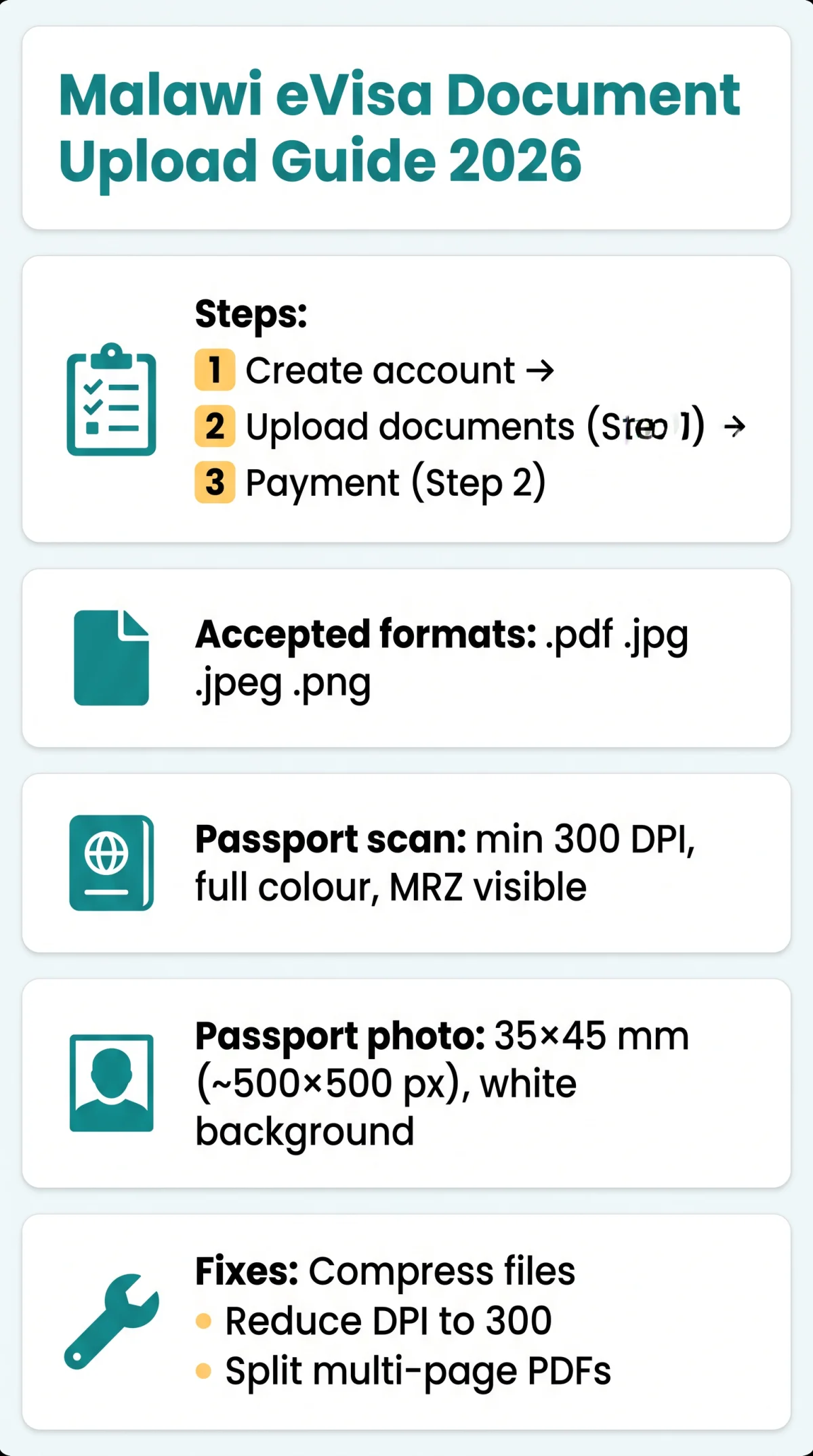
The Malawi eVisa document upload process requires PDF, JPG, or PNG files during Step 1 of your application on evisa.gov.mw. Each file must meet specific size limits and scan quality standards, including a minimum 300 DPI in colour for passport scans. UK travellers are strongly encouraged to complete the online application before departure, per the Public Notice dated 24 February 2026.
How the Document Upload Step Fits Into the Malawi eVisa Application
Create an account and log in
Register on the evisa.gov.mw portal
Upload documents (Step 1)
Complete the mandatory document upload
Proceed to payment (Step 2)
Advance to payment after successful upload
The Malawi eVisa document upload requires a mandatory passport data page scan, a separate digital passport photo, and visa-specific supporting documents (e.g., flight itinerary, hotel booking, bank statement, or invitation letter).
UK nationals fall under Category Two and remain eligible for a Visa on Arrival at designated ports of entry. However, per the Public Notice dated 24 February 2026, the Department of Immigration and Citizenship Services strongly encourages applying online before departure to avoid delays. Confirm your passport remains valid for at least 6 months beyond your intended arrival date in Malawi – a rejected application will not refund the convenience fee.
Accepted File Formats and Size Limits on the Malawi eVisa Portal
The portal accepts .pdf, .jpg, .jpeg, and .png files. Use PDF for passport scans and JPEG for passport photos.
| Format | Passport Scan | Passport Photo | Supporting Docs | Best For |
|---|---|---|---|---|
| ✓ (recommended) | ✓ | ✓ (recommended) | Scans, multi-page docs | |
| JPEG / JPG | ✓ | ✓ (recommended) | ✓ | Photos |
| PNG | ✓ | ✓ | ✓ | High-quality image scans |
The Malawi eVisa document upload enforces a per-file size limit displayed on the upload screen. Files exceeding this threshold trigger an upload error. Three compression methods resolve this: free online tools such as iLovePDF or Smallpdf, reducing phone camera megapixel settings, or using Adobe Acrobat to export at reduced size.
If your file remains too large, follow this sequence:
Compress with a free tool
Use iLovePDF or Smallpdf
Reduce scan DPI
Lower DPI from 600 to 300
Split multi-page PDF
Divide into separate files if needed
Name files using simple Latin characters without spaces or special symbols, for example Surname_Passport.pdf. Always verify current limits on the evisa.gov.mw portal before uploading.
Resolution, DPI and Scan Quality Requirements
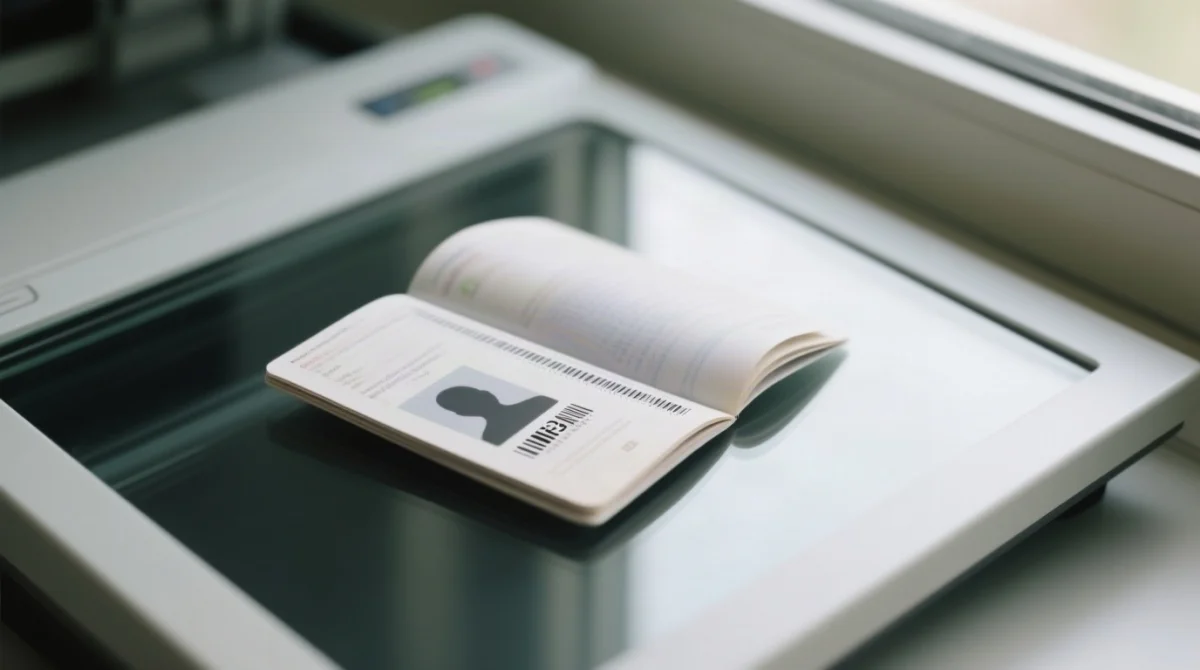
Passport scans for the Malawi eVisa document upload require a minimum 300 DPI in full colour, with the complete Machine-Readable Zone (MRZ) visible and uncropped.
| DPI Level | Suitability |
|---|---|
| 72 DPI | Not accepted. Screen resolution; text unreadable. |
| 150 DPI | Borderline. Risks rejection on manual review. |
| 300 DPI | Accepted. Recommended baseline for passport scans. |
| 600 DPI | Overkill. File may exceed size limit; compress after scanning. |
Check DPI: Windows right-click file → Properties → Details; Mac Preview → Tools → Adjust Size.
Scans must be in full colour for holographic security feature verification; black-and-white scans risk rejection. The MRZ must be fully visible, uncropped, glare-free, and legible at 100% zoom.
Passport photo for the Malawi eVisa document upload: 35×45 mm (≈500×500 px), white background, face 70-80% of frame, no shadows. Scan with flatbed or app (Adobe Scan, Microsoft Lens) – flash off.
Common Upload Mistakes and How to Fix Them
Eight common errors stall the Malawi eVisa document upload process. Each has a specific fix, from compression to browser switching.
Our team tested uploads on Chrome 122, Firefox 123, and Edge 122 in 2026. Safari 17 also worked after clearing cache. A “File too large” error was resolved by compressing an 8 MB passport scan to 1.2 MB using iLovePDF at medium compression – it uploaded successfully on the first try.
| # | Error / Symptom | Cause | Fix |
|---|---|---|---|
| 1 | “File too large” or upload hangs at 100% | File exceeds the portal’s per-file size limit | Compress with iLovePDF or Smallpdf; reduce DPI from 600 to 300 |
| 2 | “Unsupported file format” | Extension not in the accepted list (.pdf,.jpg,.jpeg,.png) | Convert to PDF or JPEG using a free online converter |
| 3 | Upload times out / session expires | Unstable connection or slow speed | Switch to stable Wi-Fi; disable VPN; try off-peak hours |
| 4 | Document rejected – camera-captured photo | Portal requires scanned documents, not camera photos | Use a flatbed scanner or phone scanning app (Adobe Scan, Microsoft Lens) |
| 5 | Photo background not compliant | Background is not plain white | Retake against a white wall in diffused daylight; no shadows |
| 6 | Scan is blurry or unreadable | Low DPI or poor lighting | Rescan at minimum 300 DPI in natural diffused light |
| 7 | MRZ cropped or obscured | Page cropped too tightly; glare or finger over MRZ | Rescan full page with all edges visible; disable flash |
| 8 | Upload button unresponsive | Browser incompatibility or cached data | Switch to an optimised browser; clear cache; disable pop-up blocker |
| Browser | Minimum Optimised Version |
|---|---|
| Google Chrome | 70 |
| Mozilla Firefox | 60 |
| Microsoft Edge | 42 |
| Apple Safari | 11 |
| Opera | 56 |
If the Malawi eVisa document upload still fails after these fixes, email @immigration.gov.mw for assistance, or see our guide on common Malawi eVisa errors and fixes.
FAQ: Malawi eVisa Document Upload Questions Answered
What file formats does the Malawi eVisa portal accept for document uploads?
The Malawi eVisa portal at evisa.gov.mw accepts four file extensions: .pdf, .jpg, .jpeg, and .png. Always verify current accepted formats on the portal directly, as specifications may update.
What is the maximum file size for a document upload on the Malawi eVisa portal?
The portal enforces a per-file size limit displayed on the upload screen during Step 1. Check the portal’s current limit before uploading. If your file exceeds the limit, compress it using free tools such as iLovePDF or Smallpdf, or reduce the scan DPI from 600 to 300.
What resolution and DPI should my passport scan be for the Malawi eVisa?
Your passport data page scan should be saved at a minimum of 300 DPI in full colour. The complete MRZ at the bottom of the bio-data page must be fully visible, uncropped, and legible at 100% zoom.
Why was my Malawi eVisa document upload rejected?
The most common rejection causes are: uploading a camera-captured photo instead of a scanned document, exceeding the file size limit, using an unsupported format, submitting a blurry or low-resolution scan, cropping the MRZ, or having glare on the passport page. Review the Common Upload Mistakes section for a full error-to-fix table.
Can I use Safari to upload documents on the Malawi eVisa portal?
Yes. Apple Safari version 11 or higher is an optimised browser for evisa.gov.mw. Other supported browsers include Google Chrome 70+, Mozilla Firefox 60+, Microsoft Edge 42+, and Opera 56+. If you experience upload issues on Safari, switch to Chrome 70+ or Firefox 60+ and clear your browser cache.
Do I need to scan my passport in colour for the Malawi eVisa?
Yes. The passport data page must be scanned in full colour for holographic security feature verification by the Department of Immigration and Citizenship Services. Black-and-white or grayscale scans risk rejection. Use a flatbed scanner or a phone scanning app such as Adobe Scan or Microsoft Lens with flash disabled.
Are camera-captured photos of my passport accepted on the Malawi eVisa portal?
No. The portal FAQ at evisa.gov.mw states that e-Visa applicants must upload scanned documents and not camera-captured photos. Use a flatbed scanner or a dedicated phone scanning app such as Adobe Scan or Microsoft Lens.
Can I upload multiple supporting documents as a single PDF file?
Yes. The portal accepts multi-page PDFs for supporting documents such as bank statements, flight itineraries, and hotel reservations. If the combined file exceeds the per-file size limit, split it into separate PDF files and upload individually.
About the author: our editorial team has tested the Malawi eVisa portal across Chrome, Firefox, Edge, and Safari to provide accurate, practical guidance for UK travellers. This is an unofficial guide for informational purposes, not affiliated with the Department of Immigration and Citizenship Services. Always refer to evisa.gov.mw for the most current requirements.